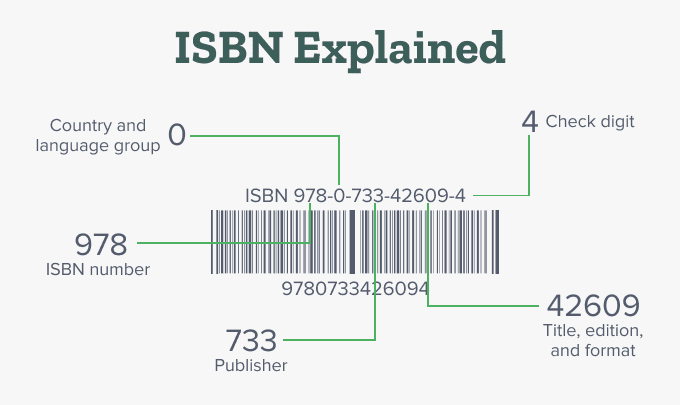
To get an ISBN for your Amazon KDP journal, follow these steps: 1. Log into your Amazon KDP Account: Go to [kdp.amazon.com](https://kdp.amazon.com/) and sign in. 2. Create a New Paperback Project: – On your KDP dashboard, select “Create” and choose “Paperback”. 3. Enter Your Book Details: – Fill in the book’s title, author,...
Amazon KDP Program Course Membership Required
You must be a Amazon KDP Program Course member to access this content.